Player Decision Brief
Pimbolas
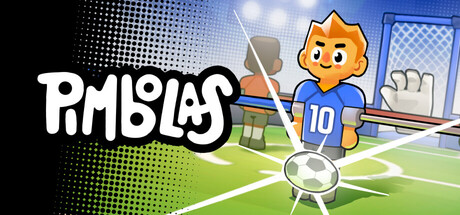
Pimbolas is a compact, controller-friendly foosball party game best for local groups who want short, chaotic matches driven by power-ups and arena modifiers—ideal for couch parties and family play.
Is Pimbolas Right For You?
Best For
- ✓ Local party and couch multiplayer groups
- ✓ Players who like quick arcade-style matches
- ✓ Families and casual gatherings
- ✓ Fans of physics-driven sports/party games
Think Twice If
- ! Players looking for deep single-player narratives
- ! Those wanting large-scale online matchmaking
Before You Buy Pimbolas
Confirm your OS and hardware meet the listed minimum or recommended requirements on the Steam page.
If you plan to play with friends remotely, check Remote Play Together details rather than expecting built‑in online matchmaking.
Plan to use a controller for the intended experience; the game lists full controller support and gamepad recommendation.
Look at screenshots, the trailer, and listed languages/subtitle support to ensure the presentation and localization fit your needs.
Pimbolas Fit Matrix
Coop
High
Solo
Medium
Grind
Low
Story
Low
Performance risk
Low
Beginner friendly
High
What Players Say About Pimbolas
Recurring player themes that may help you decide whether this game fits your taste.
Players Often Praise
- • Strong local multiplayer fun and party appeal
- • Simple controls with accessible depth after practice
- • Polished presentation and pleasing art style
- • Arcade/championship mode adds single-player goals
Common Complaints
- • A short learning curve for manual dexterity and timing
- • Minor requests for camera tweaks or additional table variants
Mixed Reactions
- • Arcade/single-player content is enjoyable but many players prefer multiplayer sessions
Performance Notes
- • No widespread performance complaints reported; the game lists modest minimum specs and a low storage footprint.
Purchase Notes
- • Pimbolas is a one-time purchase on Steam; the store page shows occasional small discounts.
Player Fit
- • Best for players seeking quick, competitive local matches with friends; less suited to those wanting long solo stories or large online competitions.
Pimbolas Key Features
Local shared/split-screen for up to 4
Pimbolas is built for local multiplayer matches and supports shared/split-screen PvP and co-op play for up to four players on the same system.
Wide variety of power-ups and ball modifiers
Matches can include giant growing balls, square balls, fiery or explosive balls, slippery ice effects, planets, coconuts, crabs and other modifiers that change how a foosball match plays out.
Arcade Mode and unlockable progression
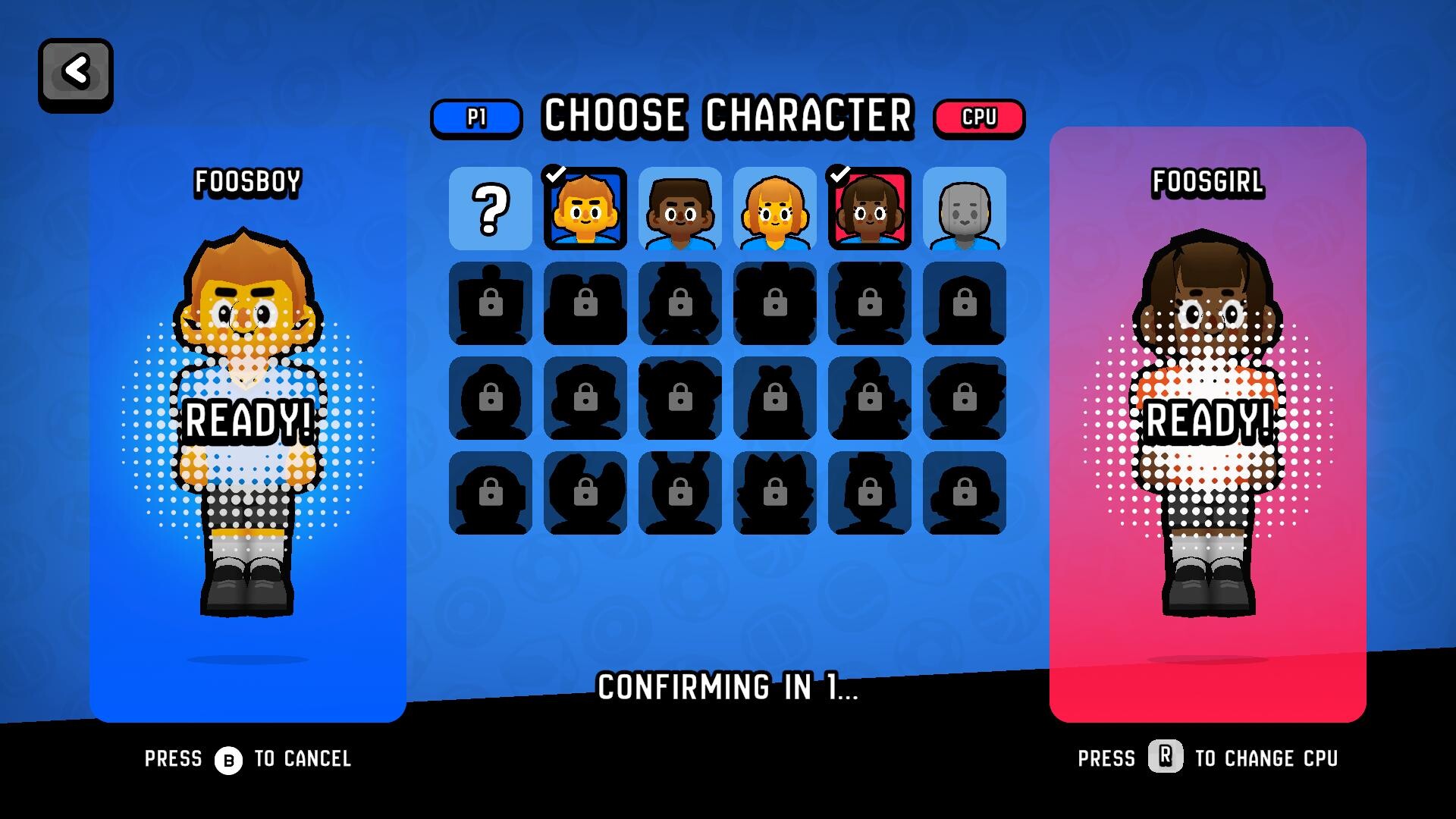
Pimbolas includes an Arcade Mode where you face challengers, unlock new characters and items, and progress through short, arcade-style matches.
Controller-first controls
The game uses analog sticks and triggers for movement, hits and spins, offers full controller support and lists gamepad recommended in its Steam features.
Cross‑platform PC support
Pimbolas is available for Windows, macOS and Linux; check the store page for minimum and recommended hardware details before purchase.
Multiple languages and achievements
The interface and subtitles are provided in a range of languages, and Steam achievements are supported for tracking progress and goals.
Pimbolas Screenshots


Pimbolas FAQ
Which platforms does Pimbolas run on?
Pimbolas is listed for Windows, macOS and Linux. Check the Steam store page for exact OS builds and any platform-specific notes before buying.
Can I play Pimbolas online with friends?
Pimbolas is focused on local shared/split-screen play. Steam's Remote Play Together is available as a way to play remotely, but no dedicated online matchmaking is listed.
What input methods does Pimbolas support?
The game has full controller support and recommends gamepads; it also offers keyboard options. The controls use analog sticks and triggers for movement, hitting, and spinning.
Does Pimbolas have single-player content?
Yes. Pimbolas includes an Arcade Mode with progression and AI opponents, but many players note the best experience is local multiplayer with friends.
What languages and accessibility should I check for Pimbolas?
Pimbolas provides interface and subtitle support for multiple languages (including English, Japanese, Korean, Chinese variants, Portuguese, French, German, Russian and Turkish). Verify subtitle and interface coverage on the store page if you need full audio in a specific language.
Pimbolas Quick Facts
Genres
Tags
Check On Steam
Use this brief to decide whether Pimbolas is worth a closer look, then confirm the details that can change or depend on your setup.
- • Latest system requirements for your PC
- • Interface, subtitle, and audio language support
- • Current price, discounts, release timing, and platform notes
Latest Games
MoreA quick way to spot a few of the newest releases worth browsing next.
The Fame Game II: L.A. Heartbreaker
Recommendation Brief
More Games To Consider After Pimbolas
These picks are ranked by similarity signals, freshness, and review strength, then presented with only the most useful non-repeating match cues.
SpeedRunners 2: King of Speed
395 reviewsTry SpeedRunners 2: King of Speed if you want a nearby take on sports and arcade, with its own mix of scope and pacing.
Backyard Baseball
676 reviewsTry Backyard Baseball if you want a nearby take on party game and sports, with its own mix of scope and pacing.
Strikers Club
852 reviewsTry Strikers Club if you want a nearby take on football (soccer) and physics, with its own mix of scope and pacing.
Pro Jank Footy
171 reviewsTry Pro Jank Footy if you want a nearby take on physics and sports, with its own mix of scope and pacing.
Beetleball
294 reviewsTry Beetleball if you want a nearby take on physics and party game, with its own mix of scope and pacing.
Curve Fever Pro
63 reviewsTry Curve Fever Pro if you want a nearby take on party game and arcade, with its own mix of scope and pacing.