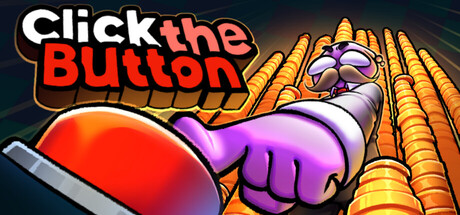
Player Decision Brief
Click the Button
Click the Button is best for players who want a short, simple incremental game with achievements and a low-friction setup. It is less appealing if you want long progression, complex systems, or multiplayer.
Is Click the Button Right For You?
Best For
- ✓ Fans of short incremental or clicker games
- ✓ Players who enjoy achievement hunting
- ✓ People who want a simple solo game
- ✓ Anyone looking for a low-cost, quick session game
Think Twice If
- ! Players expecting a long campaign
- ! People who want deep strategy or complex systems
- ! Co-op players
- ! Anyone sensitive to repetitive clicking
Before You Buy Click the Button
Expect a short incremental loop rather than a long-form game.
Check that you are comfortable with repeated clicking as the core activity.
Make sure Windows is your target platform.
If you care about completion goals, the game includes Steam achievements.
Click the Button Fit Matrix
Coop
Low
Solo
High
Grind
Medium
Story
Low
Performance risk
Medium
Beginner friendly
High
What Players Say About Click the Button
Recurring player themes that may help you decide whether this game fits your taste.
Players Often Praise
- • Short, satisfying clicker progression
- • Relaxing, chill session length
- • Good value for players who want a brief game
- • Colorful pixel-art presentation and pleasant sound
Common Complaints
- • Very short overall length
- • Repetitive clicking can feel tedious
- • Some players wanted more content or longer progression
Mixed Reactions
- • Achievement hunting is appealing for completion-focused players, but the short length can make the game feel over quickly
- • The simple loop is satisfying for clicker fans, but too light for players wanting depth
Performance Notes
- • Some players mentioned crashes or lag during heavier clicking or chest opening
- • Other players reported smooth play without crashes
Purchase Notes
- • Feedback often frames the game as fair for its low price
- • A few players felt its short length made the value harder to justify
Player Fit
- • Best for players who like compact incremental games
- • Fits short, casual play sessions
- • Less suitable for players seeking long-term replayability
Click the Button Key Features
Incremental clicker loop
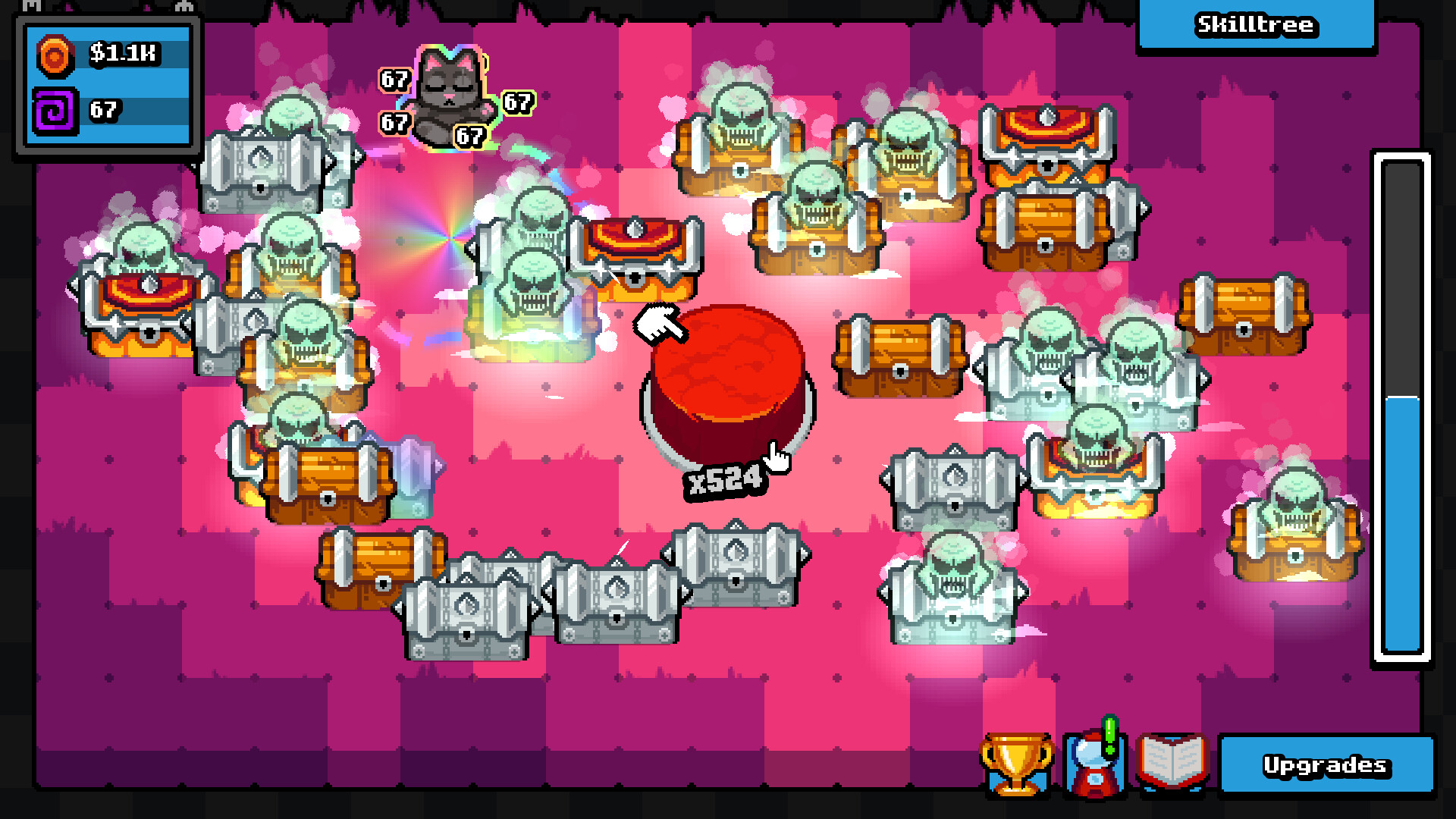
Click the Button centers on clicking to earn chests, collect items, and build up money and upgrades through repeated progression.
Resource management and upgrades
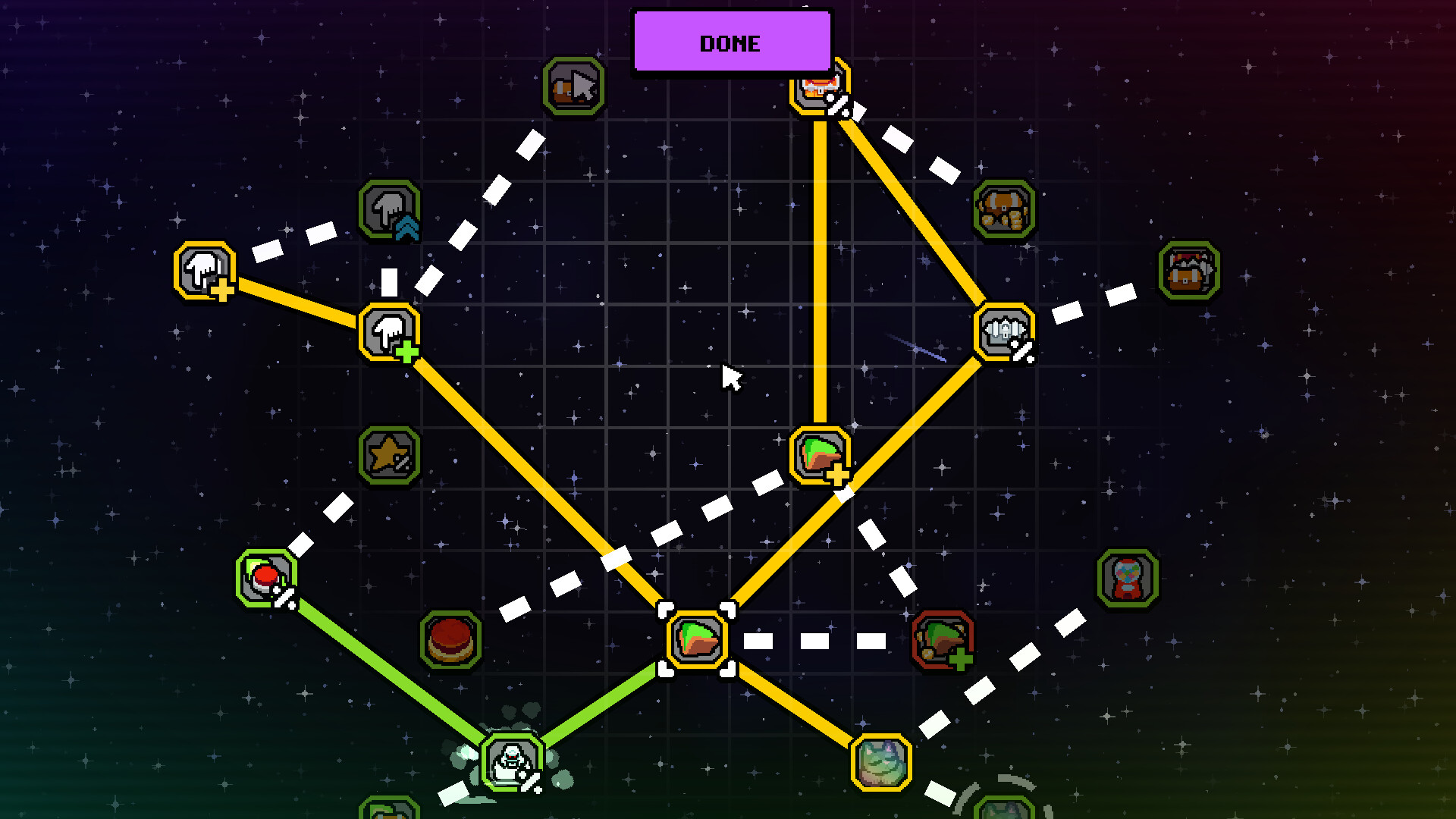
The game asks you to manage resources and unlock stronger abilities, giving Click the Button a simple upgrade path beyond basic clicking.
Achievements on Steam
Steam achievements are supported, so completion-minded players have clear goals to work toward while playing Click the Button.
Single-player design
Click the Button is built for solo play, with no co-op mode listed in its game features.
Keyboard-friendly options
The game includes a keyboard-only option and can be played without timed input, which helps players who prefer a simpler control setup.
Windows support with broad language coverage
Click the Button is available on Windows and supports several languages with interface, audio, and subtitle coverage.
Click the Button Screenshots


Click the Button FAQ
What kind of game is Click the Button?
Click the Button is an incremental clicker focused on clicking, opening chests, collecting items, and using resources to unlock stronger abilities. It leans into a short, straightforward progression loop.
Does Click the Button support solo play?
Yes. Click the Button is set up as a single-player game, so it is aimed at playing on your own rather than in co-op or competitive sessions.
Which platforms and languages does Click the Button support?
The game is listed for Windows and includes a wide language selection, with full interface, audio, and subtitles support across the listed languages. Click the Button can work well if you want a clicker in your preferred language.
Is there anything to know about controls and accessibility?
The Steam features include keyboard-only play, play without timed input, save-anytime support, camera comfort, and custom volume controls. Those options make Click the Button easier to fit into short sessions.
What should I expect from its price and length?
Click the Button is positioned as a low-cost game, and player feedback consistently points to a short completion time. If you want a brief incremental game, it may suit you better than someone looking for a long-term grind.
Click the Button Quick Facts
Genres
Tags
Check On Steam
Use this brief to decide whether Click the Button is worth a closer look, then confirm the details that can change or depend on your setup.
- • Latest system requirements for your PC
- • Interface, subtitle, and audio language support
- • Current price, discounts, release timing, and platform notes
Latest Games
MoreA quick way to spot a few of the newest releases worth browsing next.
Recommendation Brief
More Games To Consider After Click the Button
These picks are ranked by similarity signals, freshness, and review strength, then presented with only the most useful non-repeating match cues.
Farming Incremental But With Guns
58 reviewsTry Farming Incremental But With Guns if you want a nearby take on incremental and idler, with its own mix of scope and pacing.
Diggin
383 reviewsTry Diggin if you want a nearby take on incremental and idler, with its own mix of scope and pacing.
Sludgineers
992 reviewsTry Sludgineers if you want a nearby take on incremental and idler, with its own mix of scope and pacing.
Pibcremental
259 reviewsTry Pibcremental if you want a nearby take on incremental and idler, with its own mix of scope and pacing.
Smashing Bottles
54 reviewsTry Smashing Bottles if you want a nearby take on incremental and idler, with its own mix of scope and pacing.
Infinite Ruins
91 reviewsTry Infinite Ruins if you want a nearby take on incremental and idler, with its own mix of scope and pacing.